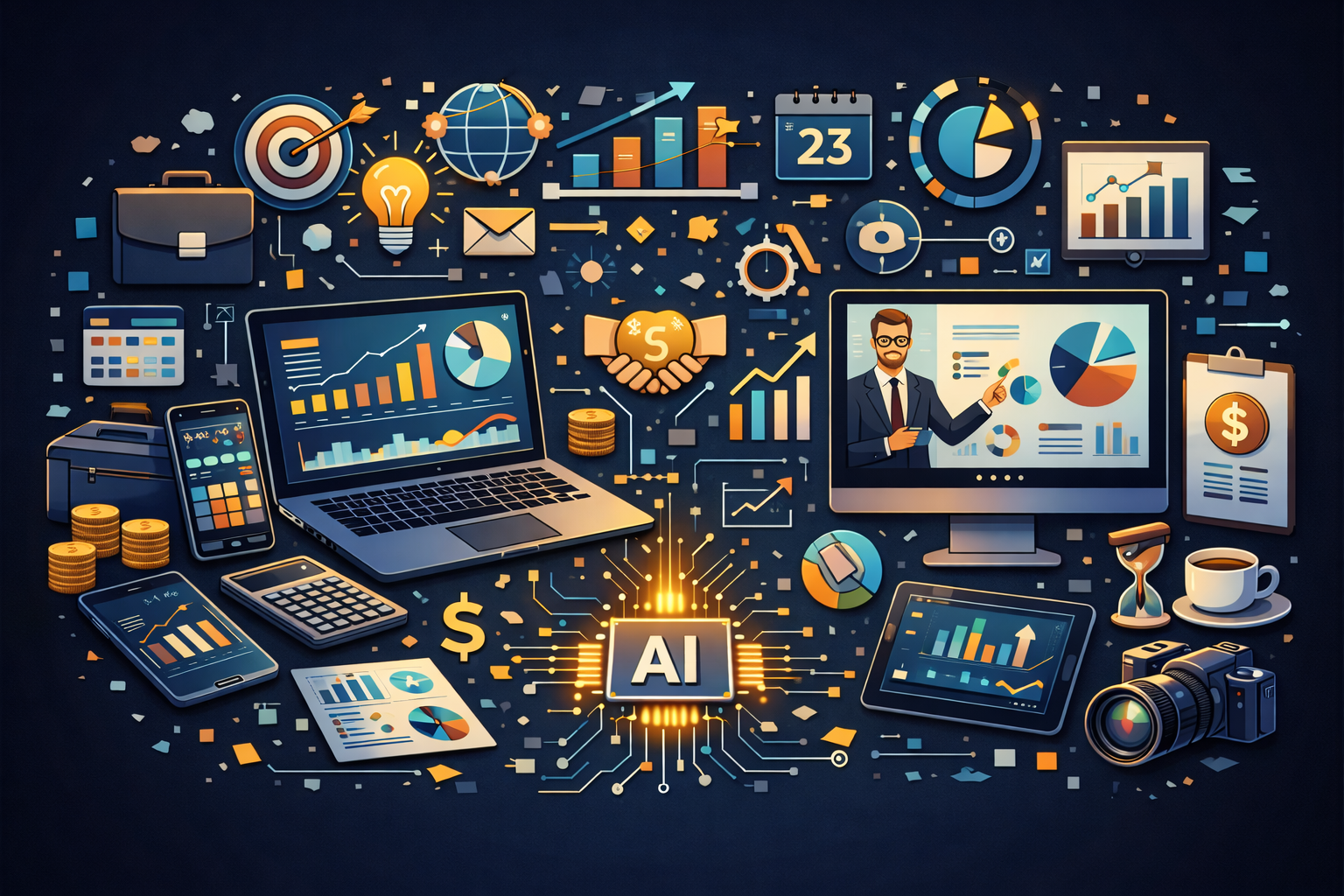

In today’s fast-paced world, staying organized and productive can be a challenge. From managing tasks and projects to tracking notes and collaborating with teams, businesses and individuals need tools that simplify workflows and save time. Artificial intelligence has stepped in to meet this demand, and among the many options available, Notion AI stands out as the best AI tool for business and productivity.
Why Productivity Tools Matter
Even the most talented professionals can feel overwhelmed when juggling meetings, deadlines, notes, and projects. Traditional tools—like separate calendars, spreadsheets, and to-do lists—can leave information scattered and hard to manage. Productivity software attempts to centralize these tasks, but few offer intelligent assistance. This is where Notion AI comes in, combining a versatile workspace with AI-powered capabilities to make work faster, smarter, and more organized.
How Notion AI Works
Notion AI is built directly into the Notion workspace, which many people already use for notes, tasks, and project management. The AI can:
- Generate and Summarize Content: From meeting notes to reports, Notion AI can produce summaries or draft content quickly.
- Brainstorm Ideas: Whether it’s marketing campaigns, project plans, or personal goals, the AI can suggest ideas based on context.
- Organize and Prioritize Tasks: It can help structure projects, create checklists, and even suggest the most efficient way to tackle tasks.
- Answer Questions: Notion AI can pull information from your workspace to answer queries, eliminating the need to dig through multiple pages.
By embedding AI into a single platform, Notion allows users to work more efficiently without switching between multiple apps.
Why Notion AI Stands Out
While other productivity platforms offer AI features—like automated email responses or calendar scheduling—Notion AI excels for several reasons:
1. All-in-One Workspace
Notion combines note-taking, databases, task management, project tracking, and AI-powered content generation in one app. Users no longer need to juggle separate apps for different functions.
2. Flexibility for Any Workflow
Notion AI adapts to a wide range of use cases. Freelancers can manage clients, students can organize classes, and businesses can streamline team workflows—all within the same workspace.
3. Personalized AI Assistance
Notion AI tailors suggestions based on the content of your workspace. It doesn’t give generic answers; instead, it understands context, improving relevance and usefulness over time.
4. Collaboration Made Easy
Teams can collaborate in real-time while leveraging AI. Meeting notes, task lists, and project updates can be generated or summarized automatically, keeping everyone on the same page.
5. Continuous Learning and Updates
Notion AI continuously improves with updates, adding new features and refining existing ones, ensuring users always have access to cutting-edge AI productivity tools.
Free vs. Paid Plans
Notion AI offers both free and paid options, making it accessible to beginners while still powerful for professionals.
- Free Plan:
Gives access to core Notion functionality and limited AI features, making it perfect for students, freelancers, or individuals exploring AI productivity tools. - Paid Plan (Notion AI Pro):
Unlocks advanced AI capabilities like longer content generation, deeper workspace integration, priority support, and higher monthly usage limits. This plan is ideal for teams, businesses, or heavy users who rely on AI to streamline workflows.
This tiered structure ensures that users can start for free and upgrade as their needs grow.
Practical Applications of Notion AI
- Project Management:
Teams can create project plans, generate task lists, and track deadlines automatically, reducing manual setup time. - Meeting Notes:
Notion AI can summarize long meeting transcripts into key points, ensuring nothing is missed and follow-ups are clear. - Content Creation:
Marketing teams or students can draft reports, proposals, or newsletters faster, with AI suggesting ideas, phrasing, and structure. - Data Organization:
Notion AI helps organize large amounts of notes, research, or client information, making it easy to locate and act on important details. - Goal Tracking:
Individuals can set goals, track progress, and receive AI suggestions for improving productivity or efficiency.
These examples show why Notion AI isn’t just a productivity tool—it’s an AI assistant that enhances work and life by keeping information organized and actionable.
Why Notion AI Excels Over Competitors
While other AI productivity tools exist, such as Microsoft Copilot or Google Workspace AI, Notion AI stands out for its combination of flexibility, integration, and user control:
- Microsoft Copilot is powerful within Office apps, but its focus is limited to documents, spreadsheets, and presentations. Notion AI offers a broader workspace that combines multiple productivity functions in one platform.
- Google Workspace AI can summarize emails and generate drafts, but it lacks the deep project management and database capabilities that Notion provides.
- Notion AI allows users to create customized workflows, databases, and dashboards with AI integrated directly, rather than relying on separate tools.
Tips for Using Notion AI Effectively
- Start Small: Begin with note-taking or task lists, then expand to AI-generated summaries and project management.
- Customize Workflows: Build databases, templates, and dashboards to fit your team or personal style.
- Leverage AI for Drafts, Not Final Output: Let AI generate ideas and drafts, but review and edit for accuracy and voice.
- Integrate With Your Existing Tools: Connect Notion with calendars, Slack, or other apps to centralize workflows.
- Experiment With AI Features: Explore brainstorming, summarization, and task suggestions to find what boosts your productivity most.
Limitations to Keep in Mind
- AI Isn’t Perfect: Suggestions may sometimes need editing or refinement.
- Paid Plan Needed for Heavy AI Usage: Users generating large amounts of AI content may quickly reach limits on the free plan.
- Learning Curve: Notion’s flexibility means new users may need time to fully set up effective workflows.
Conclusion
For anyone looking to maximize productivity in 2026, Notion AI is the best AI tool for business and personal organization. Its all-in-one workspace combines notes, tasks, databases, project management, and AI-powered content generation in one platform. Beginners can start for free, while professionals and teams can upgrade for advanced capabilities like longer content generation, deeper workspace integration, and priority support.
Whether you’re a student, freelancer, or business professional, Notion AI saves time, reduces manual work, and helps organize your thoughts and projects efficiently. In the crowded world of productivity tools, Notion AI isn’t just helpful—it’s indispensable.